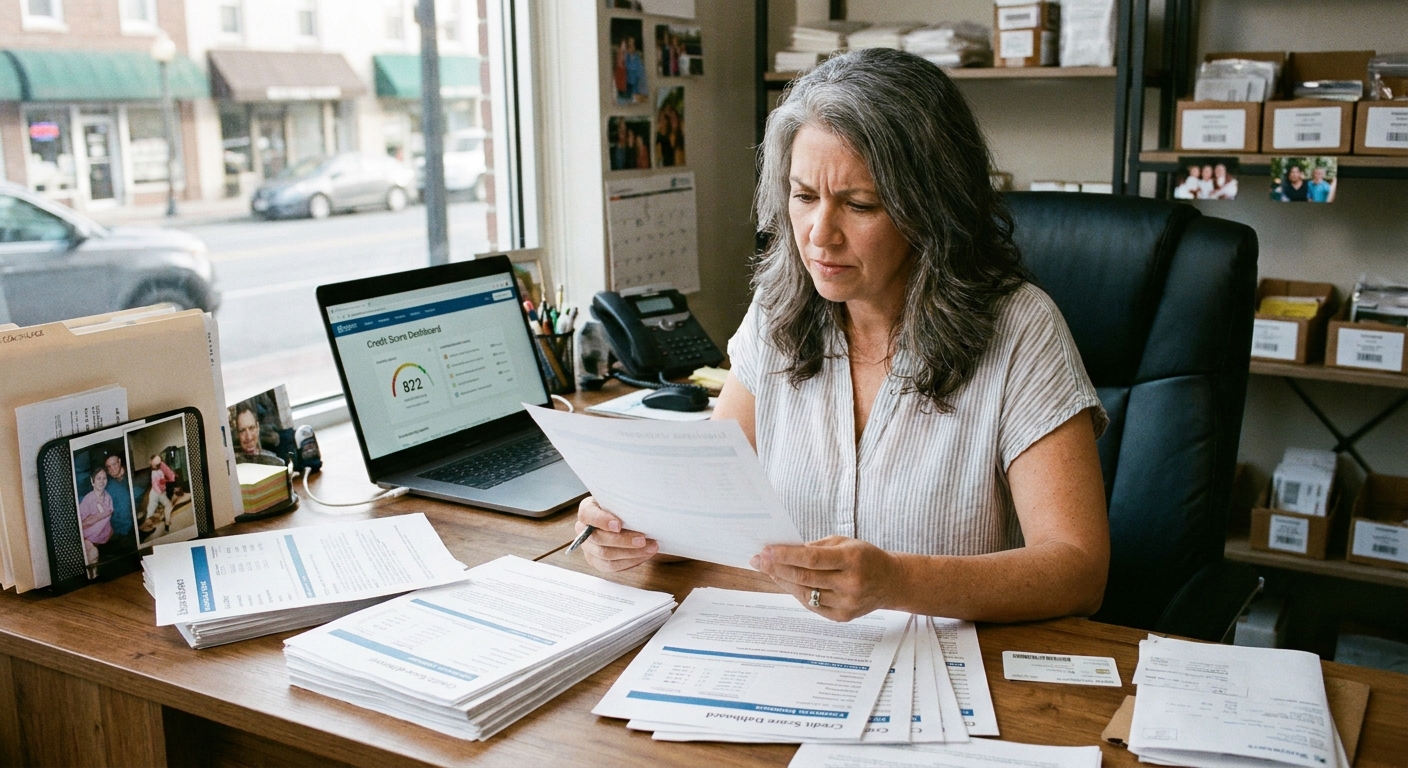
The first time I helped my parents untangle a messy stack of vendor invoices and a looming line-of-credit renewal, I learned a lesson that still holds today: you cannot fix what you cannot see. Business credit works the same way. If you are getting surprised by higher interest rates, smaller credit limits, tougher vendor terms, or flat-out denials, the next step is not guessing. It is pulling the right business credit reports and understanding what they actually say.
The good news is you can often view limited business credit information at no cost. The catch is that “free” usually means a partial view, a score without the full report, or access through a partner platform. Also, what is available for free changes over time and can vary by bureau, business type, and location. Below is a practical, owner-friendly walkthrough of where to look, how to verify it is your file, and what you might have to pay for if you need deeper detail.

What a business credit report shows
A business credit report is a profile of your company’s credit behavior and public record footprint. Unlike personal credit, business credit is often built from trade lines and vendor payment experiences, and your data may be split across multiple bureaus.
Common sections
- Business identity data: legal name, addresses, phone, industry (NAICS/SIC), ownership indicators, and sometimes related entities.
- Trade payment history: vendor accounts reporting whether you pay early, on time, or late. Payment timeliness is often weighted heavily because many trade accounts are short-term.
- Collections and public records: collections items, UCC filings, and, where reported, judgments or tax liens.
- Inquiries: which lenders or partners have pulled your business file (how much this matters varies by bureau and lender model).
- Scores and ratings: bureau-specific numbers like D&B PAYDEX, Experian business scores, or Equifax scores.
Why checking multiple bureaus matters
Business credit is not standardized the way consumer credit is. One vendor might report to D&B, another to Experian, and a lender might rely more heavily on Equifax data. It is common for a company to look strong at one bureau and thin at another, especially if you are newer or you mostly buy from vendors that do not report widely.
One more reality check: some vendors also use other commercial data providers and industry groups, not just the big three. So think of D&B, Experian, and Equifax as your core starting point, not the entire universe.
Free options (and what “free” means)
When owners tell me they want to check business credit “for free,” they typically mean one of three things:
- Seeing whether a file exists and is accurate
- Viewing a score or summary indicators
- Getting enough detail to spot problems before applying for financing
You can often do the first two for free. The third one is where many platforms start charging.
Quick safety tip: when you search for “free business credit report,” watch for lookalike sites that are really lead-gen pages or trials that convert into paid subscriptions. I stick to starting on the bureau’s official site or a bank platform I already trust.
Dun & Bradstreet (D&B)
If you have ever applied for net terms with a vendor, there is a good chance D&B came up. D&B is especially trade-credit focused, and many suppliers lean on it.
How to start for free
- Confirm you have a D-U-N-S Number: your D-U-N-S identifies your business in D&B’s system. Some businesses already have one without realizing it.
- Create a D&B account and find your company profile: D&B typically allows some level of free registration and business lookup so you can see and manage basic identity information. The exact depth of what you can view for free changes, but the goal is consistent: confirm the right business is attached to your D-U-N-S and that key identifiers are correct.
Tip: If you cannot find your business easily, try variations of your legal name, any doing-business-as name, and older addresses. Business credit files can be sensitive to formatting.
What often costs money
In many cases, D&B charges for deeper report details, ongoing monitoring, or advanced alerts. That paid view is where you may see fuller trade line detail, more robust analytics, and certain score breakdowns.
Experian Business
Experian maintains business credit files separate from its consumer credit products. Depending on what you need, you might be able to access a limited overview at no cost through Experian’s business site or through partner services that surface Experian-based data.
How to start for free
- Use Experian’s business search tools: start on Experian’s business credit pages and look for options to search for your company by name and address. Your first goal is to confirm Experian has a file and that the identity data matches your legal records.
- Look for limited previews: from time to time, Experian and its partners offer a score preview, a snapshot dashboard, or a limited view after you create an account. Treat those as a starting point, not a complete report.
What usually costs money
- Full business credit reports with detailed trade line history, trends, and risk factors
- Ongoing monitoring and alerts
- More frequent access beyond a one-time snapshot
Equifax Business
Equifax business credit data is widely used in commercial underwriting, but many owners do not check it until a lender mentions it. Free access is less straightforward than “pull your consumer report once a year,” but you can still get visibility in practical ways.
How to get no-cost visibility
- Check your existing business bank tools: some banks, card issuers, and accounting or cash-flow platforms include business credit insights as a built-in feature. In my experience, this is the most common way owners get an Equifax-based view without buying a standalone report.
- Start with file verification and identity cleanup: if you are having trouble locating your Equifax business file directly, focus on making your identity data consistent across applications (legal name, address formatting, phone, EIN). That reduces mismatches that can look like “no file” during underwriting.
What usually costs money
Detailed reports, monitoring, and advanced analytics are typically paid. If you are preparing for an SBA loan or a bank term loan, it can be worth paying once to see what the lender may see, especially if you have had address changes, entity changes, or prior collections issues.
SBA and lender tools
Strictly speaking, the SBA does not function as a credit bureau. But SBA-affiliated resources can help you understand, monitor, and improve your business credit readiness, sometimes using third-party credit data in the process.
Where this helps
- Resource partners: SBDCs, SCORE, and Women’s Business Centers can help you interpret what you are seeing and prepare a credit-ready package.
- Lender prequalification tools: some lenders and fintech platforms offer free pre-checks or readiness assessments that highlight thin files, missing trade lines, or high utilization patterns.
If you are heading toward an SBA loan, think of this as the free dress rehearsal. You want to find surprises now, not during underwriting.
Personal credit and business credit
For many small businesses, the line between business credit and personal credit is not as clean as owners want it to be. Early on, it is common for lenders to look at both, especially if you have a newer entity, limited trade reporting, or you are applying for a product that requires a personal guarantee.
Even if your goal is to build business credit that stands on its own, do not ignore personal credit health if you plan to borrow in the next year. In real underwriting, the two often travel together.
A 30-minute free-check workflow
If you want the most value with the least friction, here is the order I recommend for most owners.
- Gather your identifiers: legal business name, EIN, current and prior addresses, entity type, and the names of principals used on applications.
- Confirm your D-U-N-S status and D&B profile: look for mismatched addresses, duplicate listings, or missing basics.
- Look up your Experian Business file: confirm the identity data and note any obvious red flags.
- Check your bank and card dashboards: you may already have access to a bureau-based snapshot without realizing it.
- Write down discrepancies: wrong address, wrong industry, duplicate entities, old phone numbers, and trade lines you believe should be reporting but are not.
What to look for in your file
1) Identity errors
Mismatched addresses and name variations can cause a lender to treat you as unverifiable or split your profile into multiple thin profiles. If you have moved offices, changed suite numbers, or switched from sole prop to LLC, pay extra attention here.
2) Missing trade lines
If you pay vendors on net terms but they do not report, your file can look thin even if you have excellent payment habits. This is common. Not every vendor reports, and not every vendor reports to every bureau.
3) Late payments and collections
In business credit scoring, even small late payments can matter because trade lines are often short-term. A single 60-day late on a vendor account can carry outsized weight.
4) Inquiries and application velocity
Rapid-fire applications for credit can create a pattern that looks like distress. Some bureaus and some lender models weigh inquiries more than others, but it is still smart to space applications and be intentional about where you apply.
How to correct errors
If you spot something wrong, do not just hope it fixes itself. I have seen a single address mismatch slow down an approval that should have been simple.
Before you dispute
- Document what is wrong: screenshots, dates, and the exact field that is incorrect.
- Gather proof: common examples include articles of organization, IRS EIN confirmation, utility bills, a lease, bank statements, or vendor statements showing correct terms and payment history.
- Check for duplicates: sometimes the issue is not a “bad” file, it is two thin files that need to be merged.
Where to request corrections
- D&B: use D&B’s business profile management and support channels tied to your D-U-N-S to request updates or corrections.
- Experian Business: use Experian’s business credit dispute or correction process on its business credit site.
- Equifax Business: use Equifax’s business credit dispute or correction process, or start through the channel provided in your lender or platform view if that is how you accessed the data.
Timeline reality: corrections can take time, especially when public records or third-party trade reporting is involved. That is why I like doing a check well before a major application.
When it is worth paying
I am a big fan of using free options first. But there are moments when paying for a full report saves money and stress.
- You are applying for a major loan in the next 30 to 90 days: seeing the full detail now gives you time to correct errors.
- You suspect fraud or misattribution: a deeper report can help you identify accounts that do not belong to you.
- Your business is complex: multiple locations, related entities, recent mergers, or leadership changes often create messy files.
- You need ongoing monitoring: if credit terms directly impact your margins, paid monitoring can be a reasonable operating expense.
FAQ
Is there a free annual business credit report like personal credit?
Not in the same standardized way. Consumer credit has a clear, federally supported annual free report model. Business credit is more fragmented. You can often access meaningful data for free, but it is often partial, bureau-specific, or provided through a portal or partner.
Can a sole proprietor check business credit?
Yes, but it can be tricky. Some sole proprietors have business credit files if vendors or lenders reported activity under a business name. In many cases, lenders rely heavily on the owner’s personal credit as well, especially early on.
Why is my score different between D&B, Experian, and Equifax?
They collect different data, weight it differently, and may have different trade lines reporting. Different does not automatically mean wrong. It does mean you should check each file for accuracy and completeness.
What if I cannot find my business at a bureau?
It may mean you have a thin file or no file yet, or that your identity data is not matching. Try variations of your name and address. If your business is new, you may need to establish vendor accounts that report or ensure your business identifiers are consistent across applications.
A final reminder
Checking your business credit is not just a pre-loan task. It is basic business hygiene, like reconciling your bank account or renewing your insurance. Start with the free views, document what looks off, and if you are heading toward a major application, consider paying once for the deeper report detail that underwriters will actually use.
If you want to be extra kind to your future self, set a calendar reminder to do a quick check quarterly. It is one of the simplest ways to prevent expensive surprises.